Setup
A good setup is about control, not expense.
Lighting, audio and a clean background beat an expensive camera every time. This guide teaches good presentation without ever being explicit.
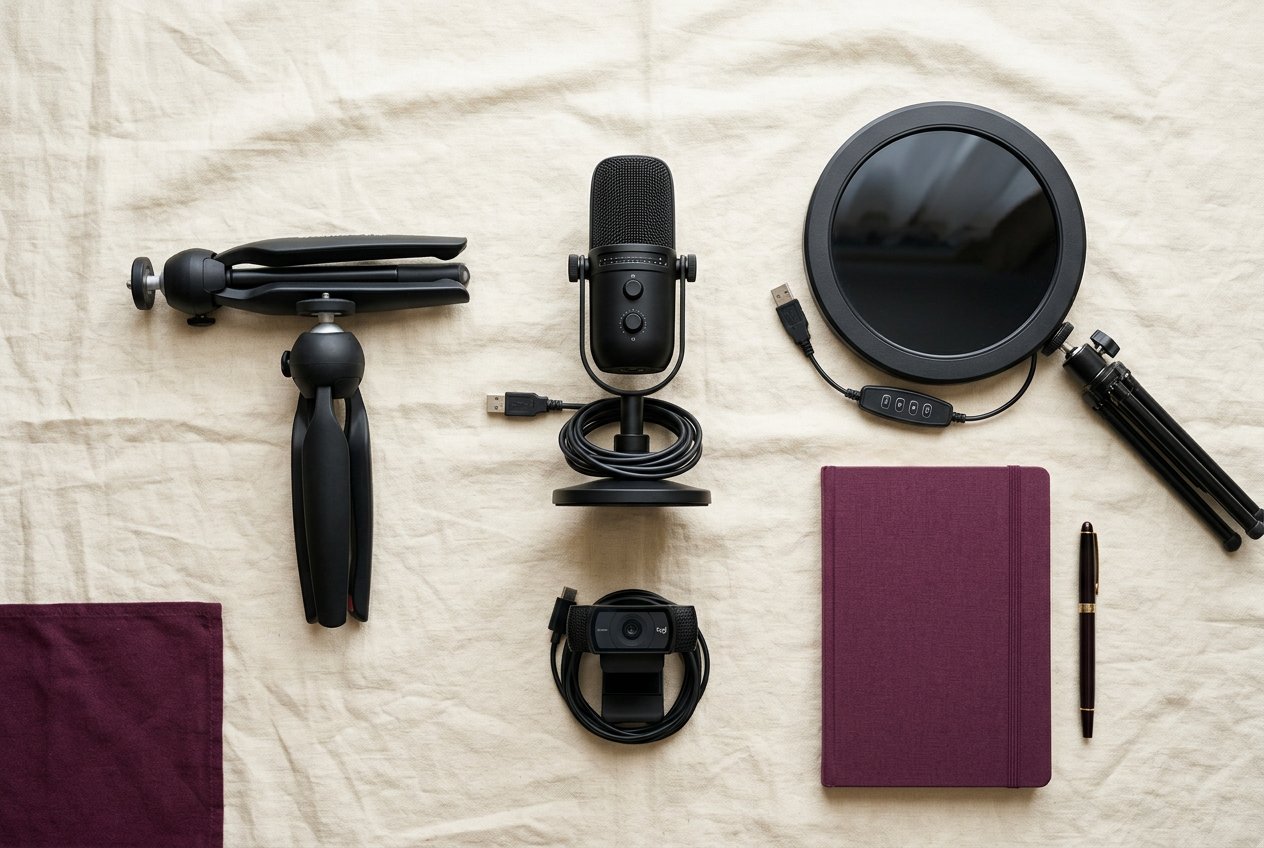
The priorities, in order
- Lighting — the single biggest quality upgrade. Soft, even light from the front; avoid harsh overhead shadows.
- Audio — viewers forgive video, not bad sound. A simple USB mic beats a built-in laptop mic.
- Background — clean, consistent and privacy-safe (see background privacy).
- Camera — a recent phone or 1080p webcam is plenty to start.
- Internet — stable upload matters more than raw speed. See the streaming readiness check.
Camera placement
- Eye level or slightly above — not looking up your nose.
- Leave headroom; keep the camera stable (tripod or mount).
- Frame yourself against your controlled background, not an open room.
Lighting basics
- One key light (ring light or softbox) slightly off-center.
- Soft, diffused light reduces harsh shadows and is flattering.
- Consistency matters more than intensity — set it once and leave it.
Audio
- A USB microphone close to you, in a quiet room.
- Soft surfaces (rugs, curtains) reduce echo.
Privacy and device security in the studio
- Cover or angle away from windows; close curtains during shoots.
- Log out of work accounts when not working; lock devices with passcodes.
- Keep personal devices out of the frame and off the work network where practical.
- Store content on a dedicated work storage account, not personal photo libraries.